

-
Technology
AGIBOT C Series
- Research
- About Us
- Store
- Contact Us
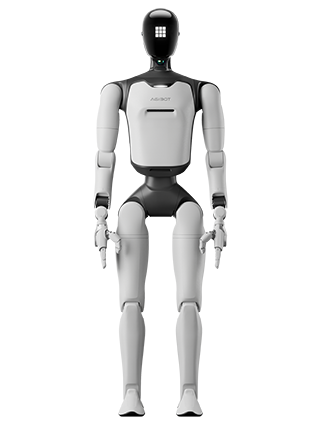
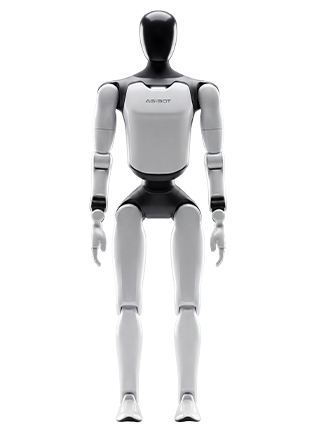
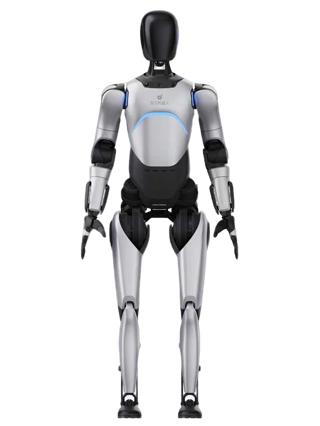
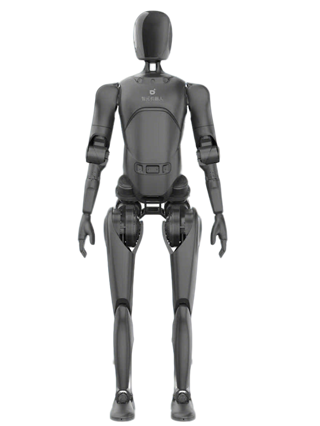
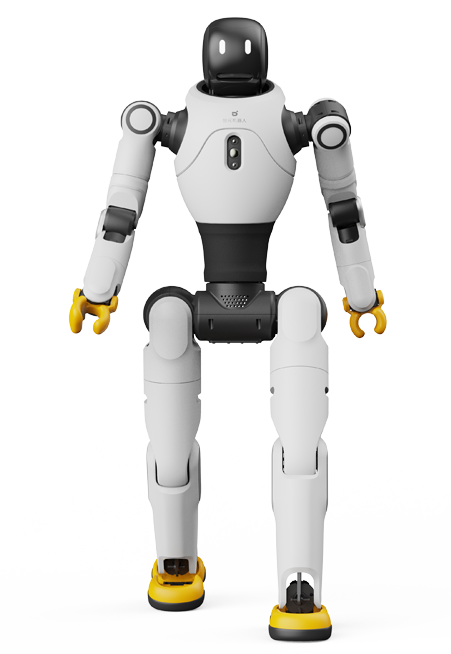
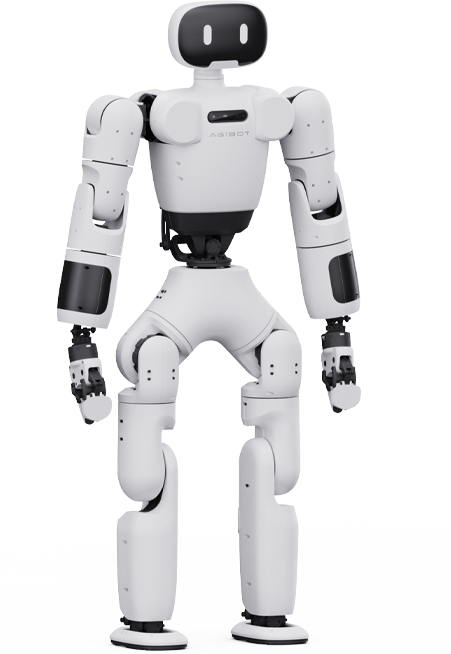
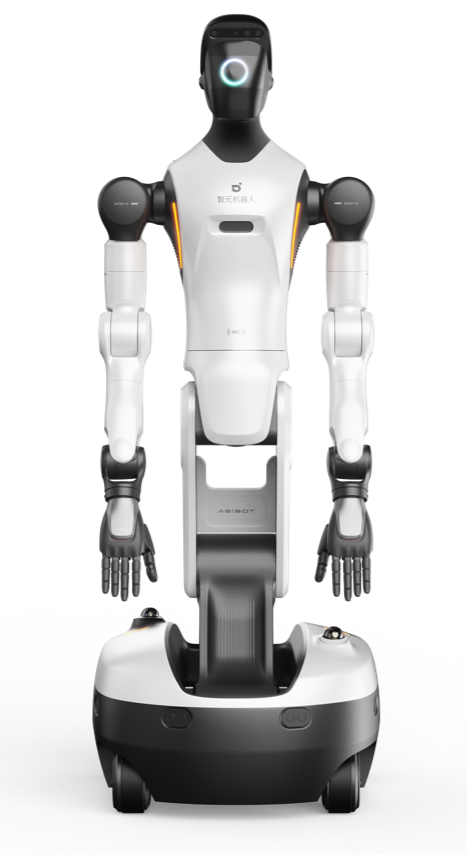
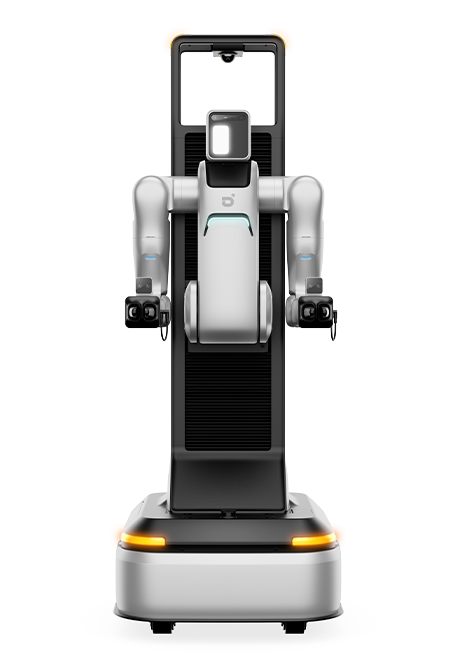
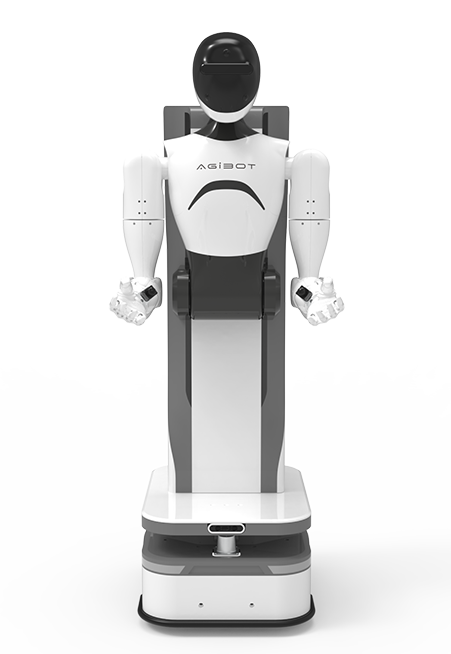
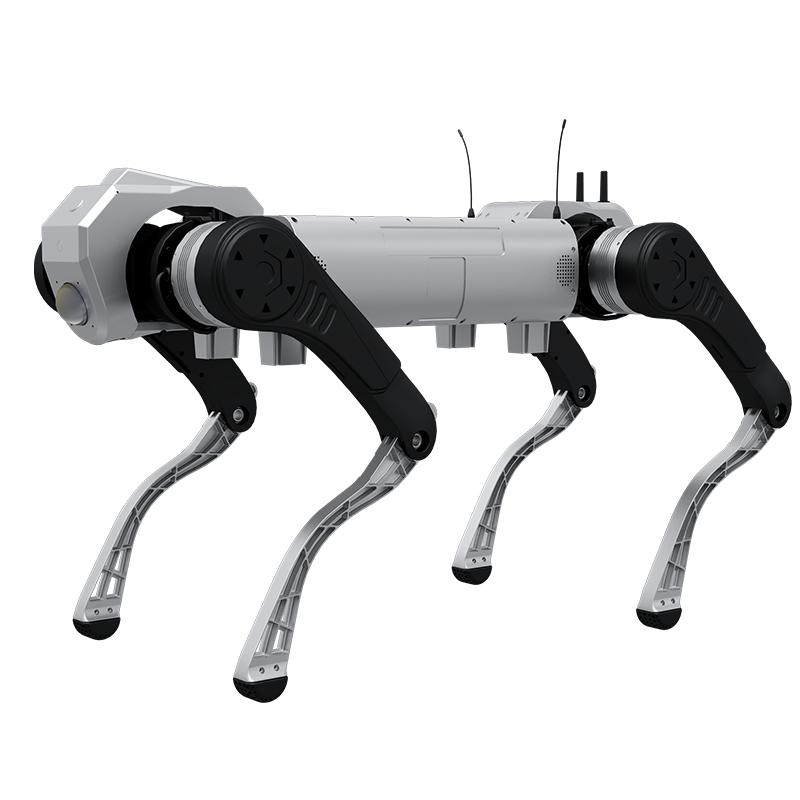
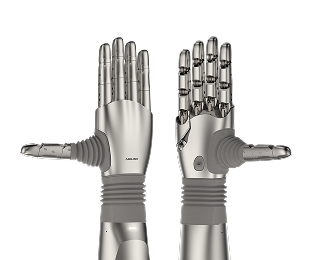
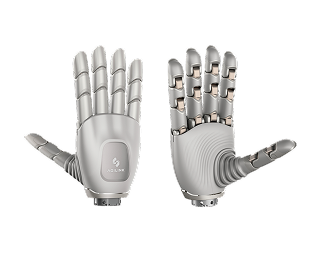
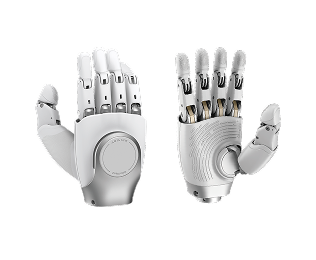


Thank you for your interest in AGIBOT X1 open source humanoid robot, according to this guide to complete the construction of the robot.

The body contains 29 joints (R86-2*9, R86-3*6, R52*10, L28*4) and 2 grippers, which support the expansion of the head with 3 degrees of freedom.


Power on the actuator, connect the actuator to the computer with a USB-C data cable (Note: L28 is a 4pin USB cable), and open REF-CLI. After the software recognizing successfully, there will be the following display:

Type ref0 and hit Enter to display the basic information of the current actuator. According to the figure below, the current firmware version is 3.2.7, and the CAN bus ID is 1.

Query the internal parameter mode of the actuator, enter the command: ref0.motor.config, the default is mode 6 = MIT hybrid control, as shown in the following figure:

Note: For detailed operating methods, see the product manual of AGIBOT X1 PowerFlow R series actuator.
LED status | Means |
Green flashing | Disabled state |
Green always on | Enable state |
Red always on | Error status (Note: Here at L28 it is blinking blue). |
Blue always on | Motor calibration in progress (Default calibration completed). |
ref0.can_node_id=8 // CAN ID is set as 8

Ref0.save_config ()//Save all parameters, return True is successful, and it will take effect after power on again.

Ref0.save_config ()//Save all parameters, return True is successful, and it will take effect after power on again.

Connect according to the wiring scheme of the whole machine, including DCU and all joints.

The PC requires an X86 architecture CPU and the installation of the Ubuntu22.04 real-time system.

1. Download the joint debugging test software xyber_dcu_test_v0.1.3.zip
2. Enter the cfg directory, open x1_test_cfg.yaml, modify the corresponding network card name, and you can also block the missing joints. If you do not want the actuator to move, you can set the move_actuator field to false. In this way, the test program will only enable the actuator to verify the whole machine communication. The imu_dcu_name field can turn on and off the inspection of IMU data. For details, see the comments.

3. Execute the test script and enter the password according to the prompts
| Bash ./run_x1_test.sh |
DCU and IMU communicate serially, and the baud rate is 921600. For any IMU, you need to check the baud rate with its software and adjust the output frequency to the maximum.
